Capitalize

Blaze Team
About this command pack
Replacement commands
Match Shortcut
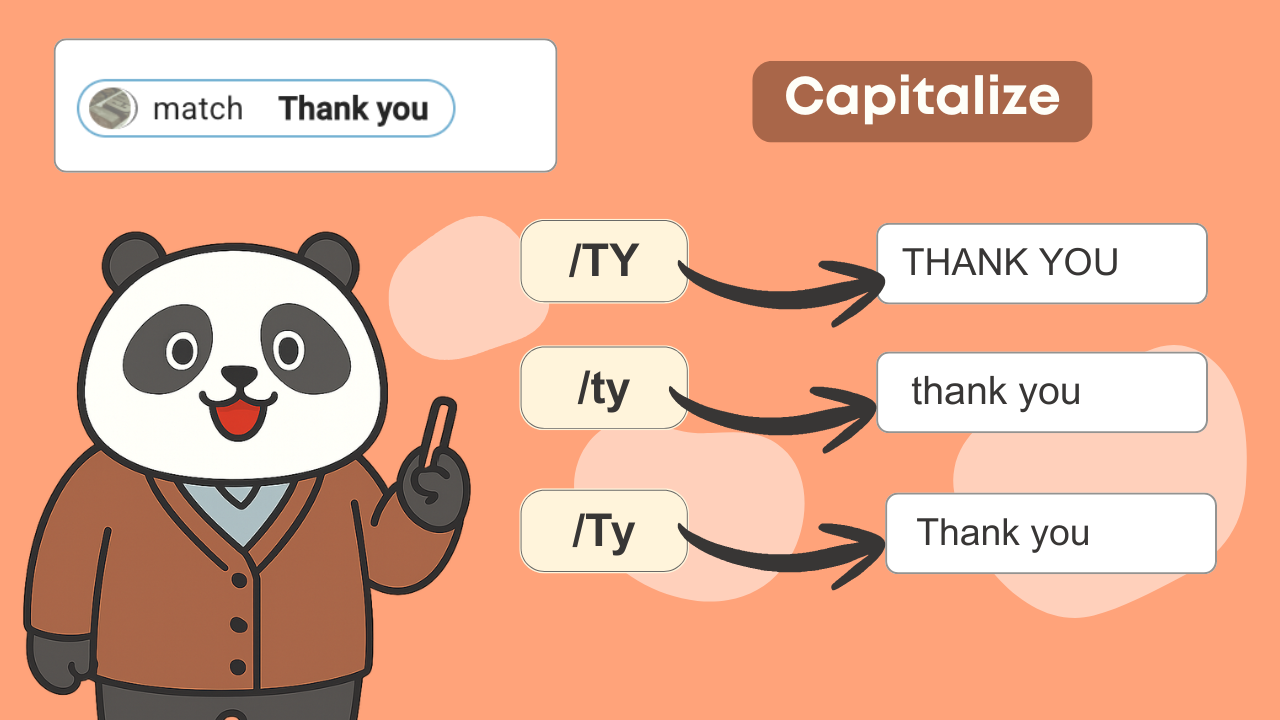
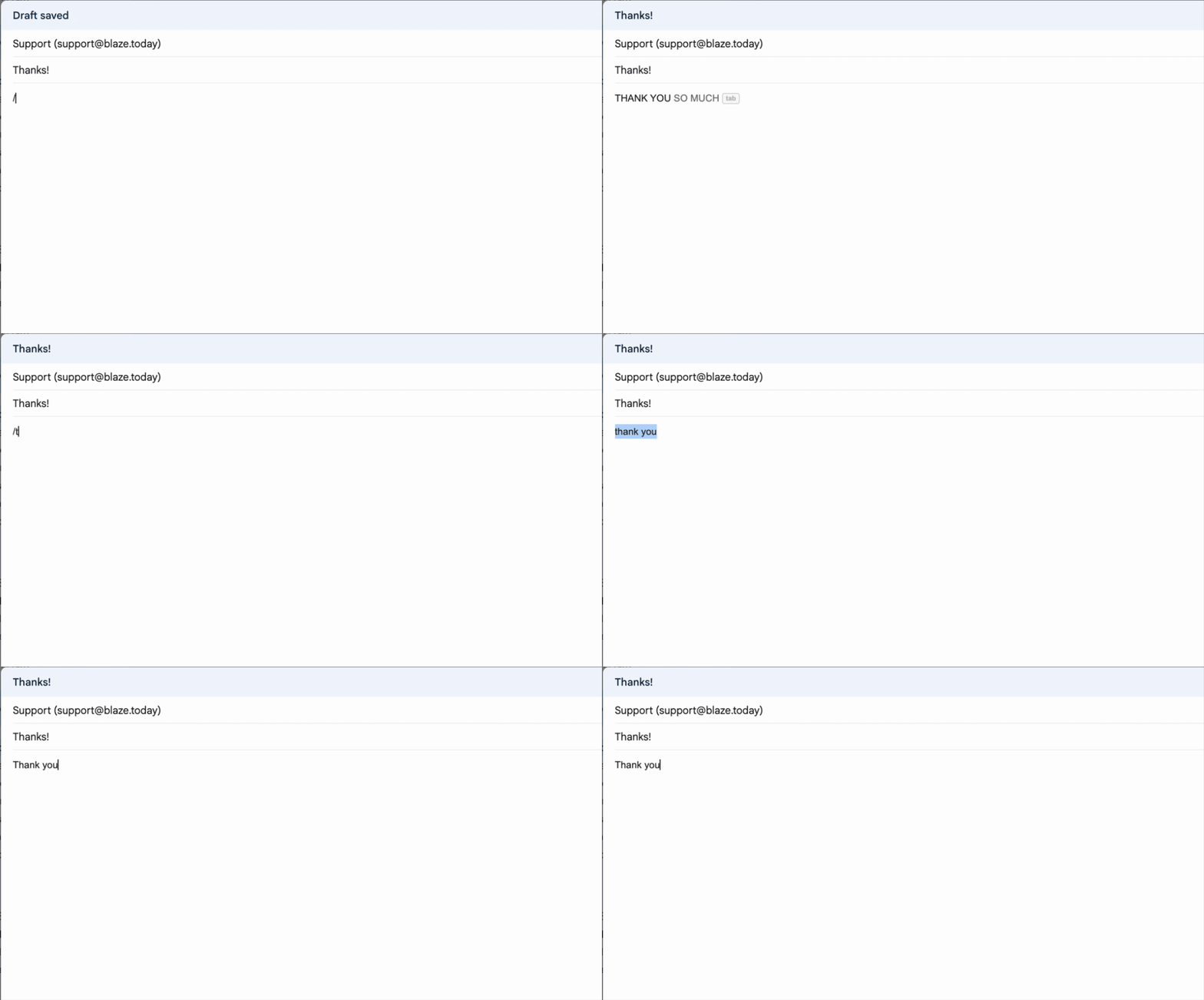
Matches the capitalization of how the snippet shortcut was typed. If the shortcut is typed in all caps, the text will be converted to all caps. If the shortcut is typed in all lowercase, the text will be converted to all lowercase. And if the shortcut is typed in a mixture of upper and lowercase, the text will be inserted in the original capitalization. The capitalization of the shortcut in the Text Blaze dashboard is not relevant; only the capitalization as the shortcut was typed is used. For example, we have a snippet with the shortcut "/ty" and the contents: "Thank you!": • typing "/ty" will insert "thank you!" • typing "/TY" will insert "THANK YOU!" • typing "/Ty" will insert "Thank you!" (the original capitalization)
Example usage