Gmail

Blaze Team
About this command pack
Replacement commands
Recipient First Name
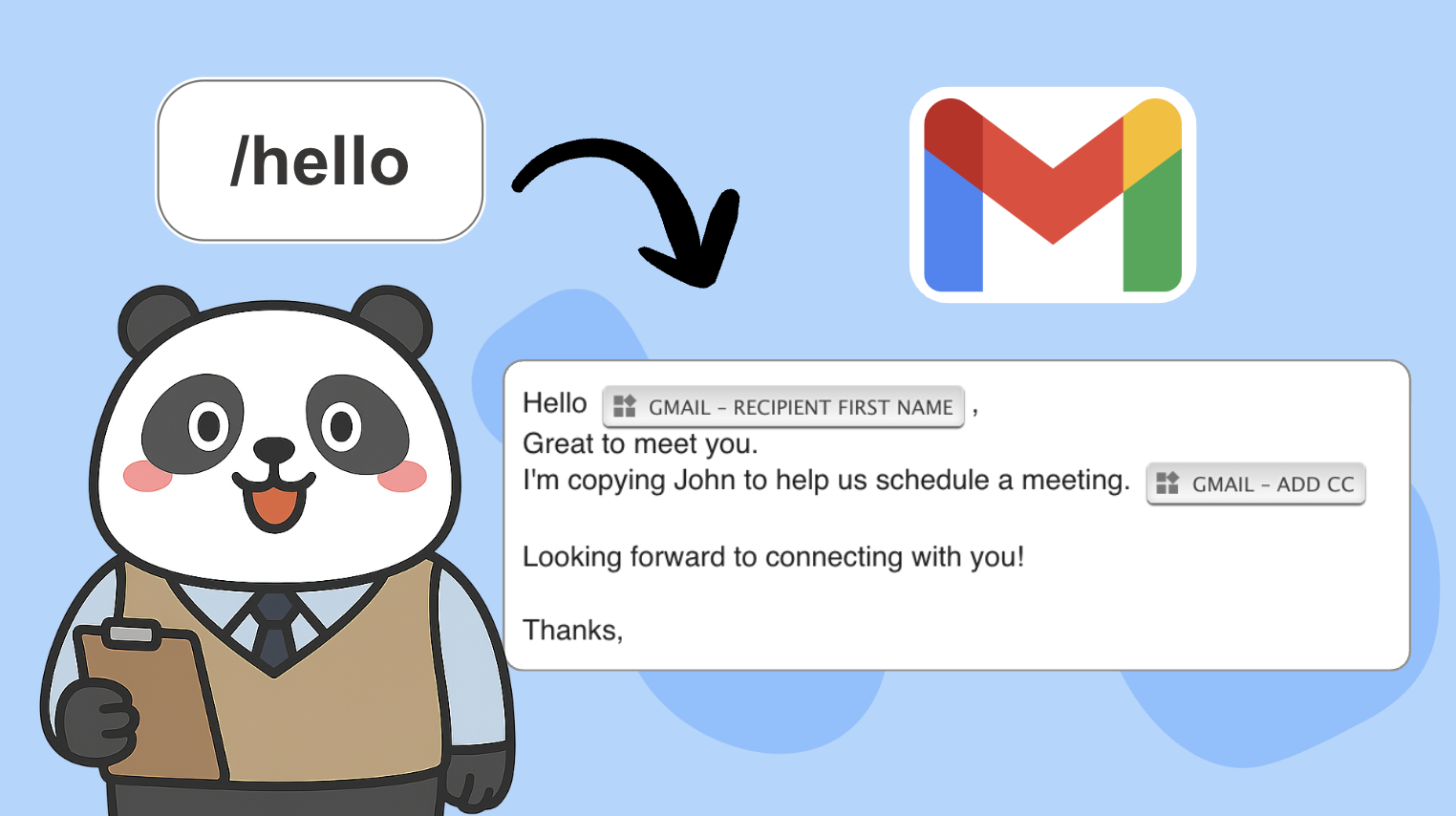
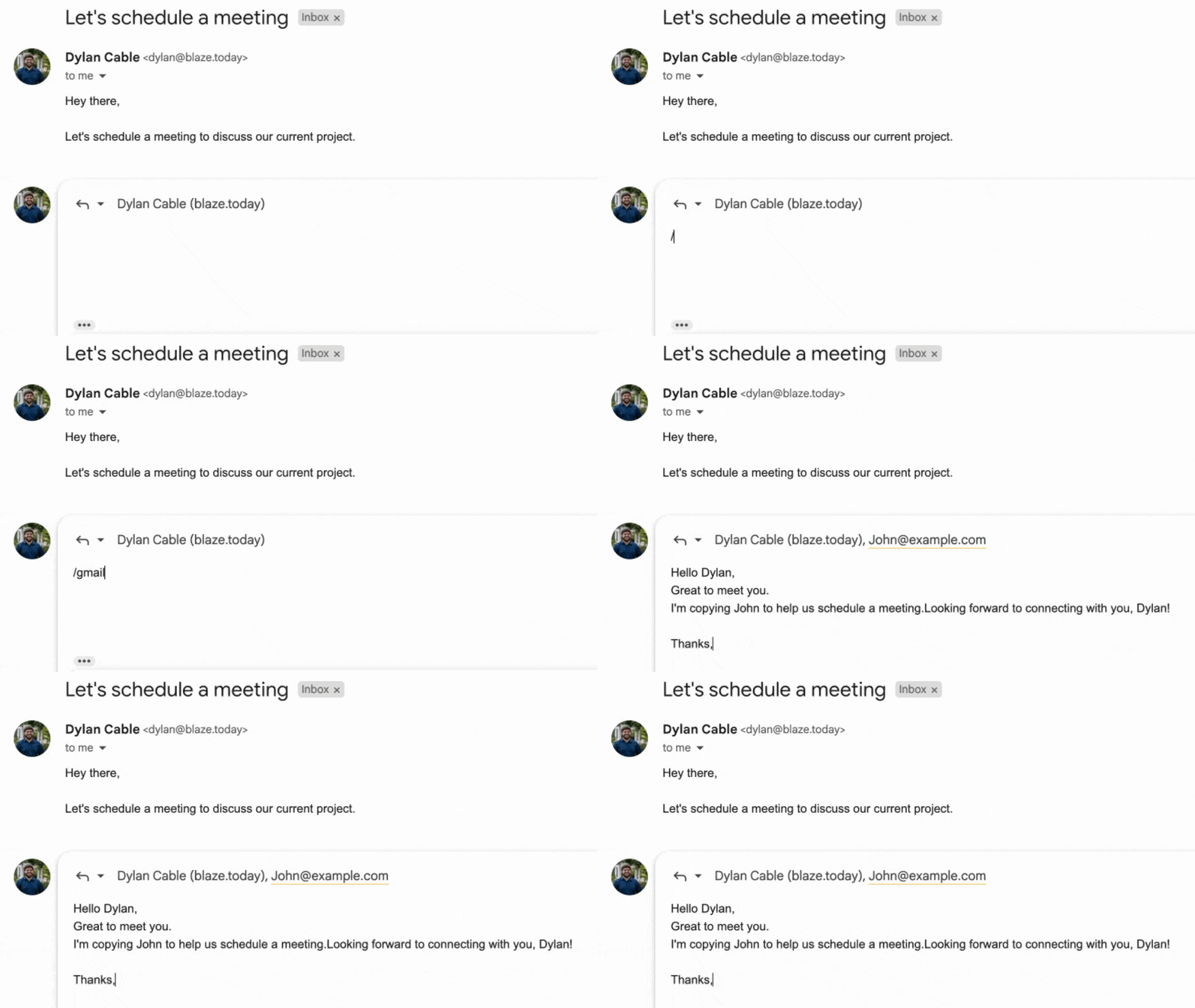
Get the first name of the recipient. It will get recipients' first names populated in the To field. This can be used when replying to an email. It can also be used when composing a new message if recipients are already populated in the To field. If no names can be found, the default setting will be returned.
Example usage
Recipient Full Name
Get the full name of the recipient. It will get recipients' full names populated in the To field. This can be used when replying to an email. It can also be used when composing a new message if recipients are already populated in the To field. If no names can be found, the default setting will be returned.
Example usage
Recipient Email Address
Get the email address of the recipient. It will get email addresses populated in the To field. This can be used when replying to an email. It can also be used when composing a new message if recipients are already populated in the To field.
Example usage
Email Subject Line
Get the subject line of the email. This can only be used when replying to an email. It cannot be used when composing a new message.
Example usage
Date Email Received
Get the date you received the email. This can only be used when replying to an email.
Example usage
Your Email Address
Get the email address you're sending the email from. If you have Gmail's "Send Mail As" feature enabled to send emails from multiple email addresses, it will return the one you choose. This can be used when replying to an email. It can also be used when composing a new message.
Example usage
Add CC
Add an email address to the CC field. This can be used when replying to an email and when composing a new message.
Example usage
Add BCC
Add an email address to the BCC field. This can be used when replying to an email and when composing a new message.
Example usage
Send Email
Send the email. This can be used when replying to an email and when composing a new message. It should be used as the last command in your snippet.
Example usage