LinkedIn

Blaze Team
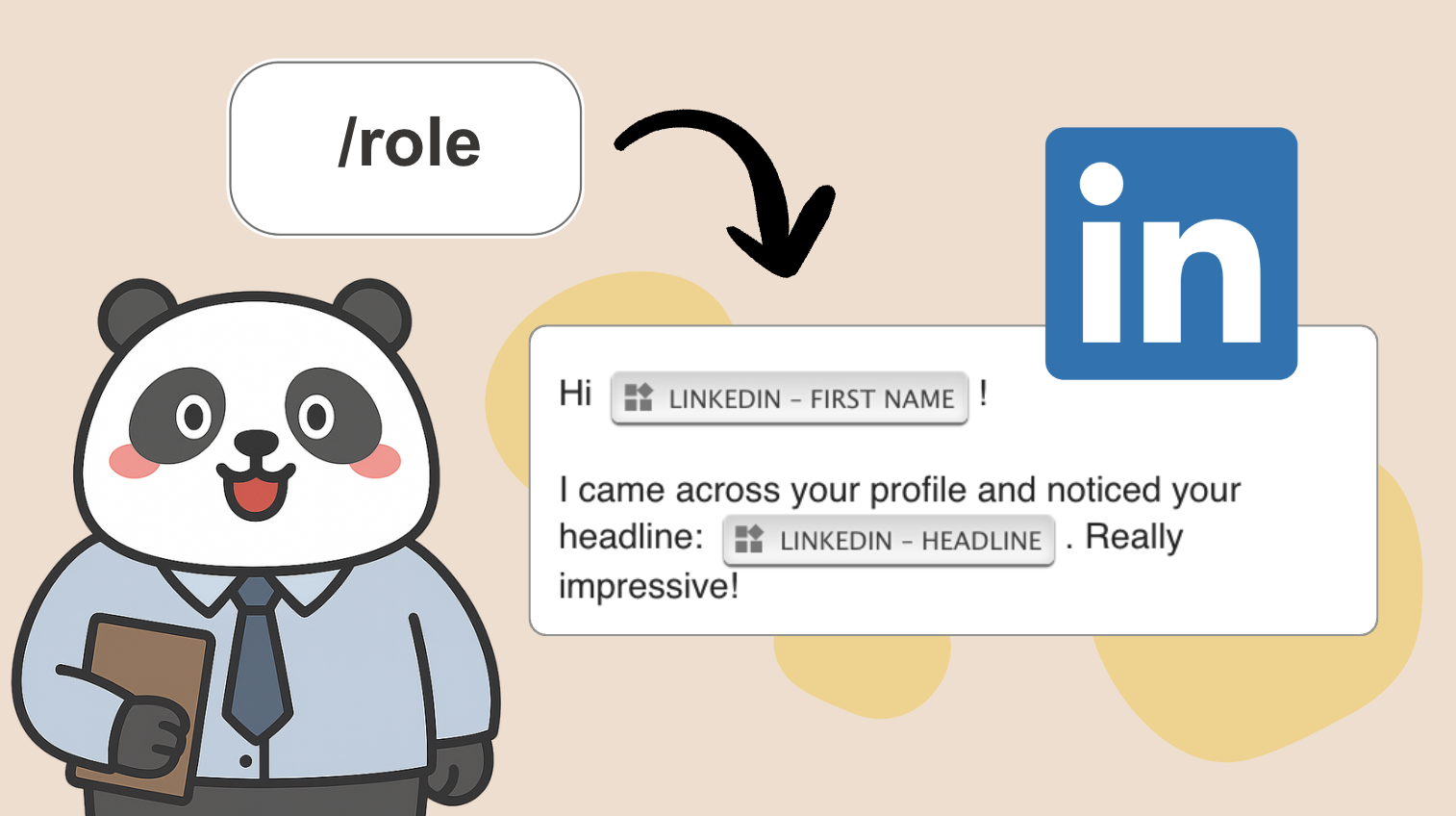
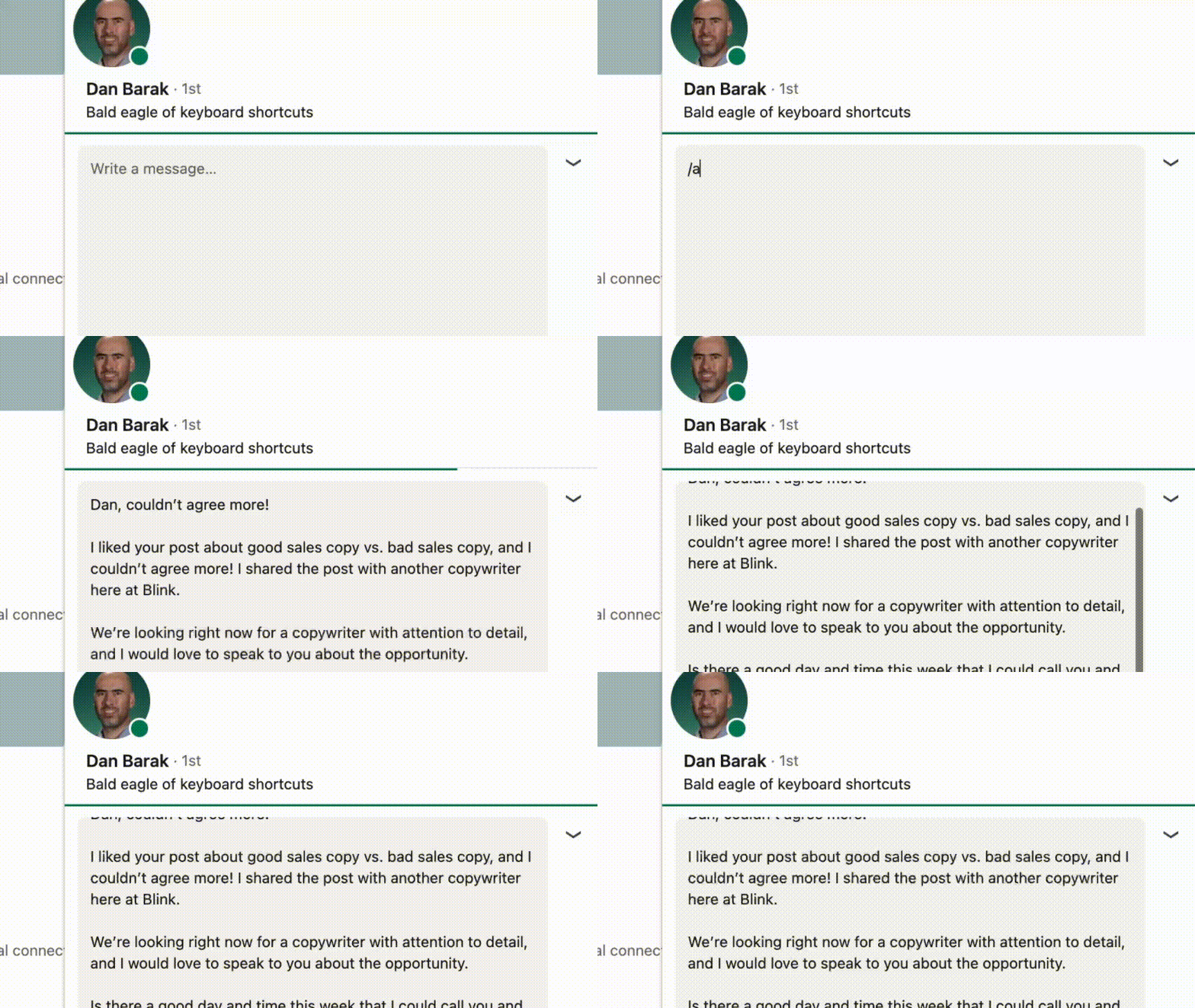
About this command pack
Replacement commands
First Name
Get the first name of the connection. This can be used when replying to a message and creating new messages. If no name can be found, the default setting will be returned.
Example usage
Full Name
Get the full name of the connection. This can be used when replying to a message and creating new messages. If no name can be found, the default setting will be returned. Note: It's currently not possible to use this command while doing a connection request from someone else's profile page
Example usage
Headline
Get the connection's headline. It does not work when sending a group message. If no headline can be found, the default setting will be returned.
Example usage