Autopilot Key Command Generator

Brad Hedinger
About this snippets template
Quick Overview:
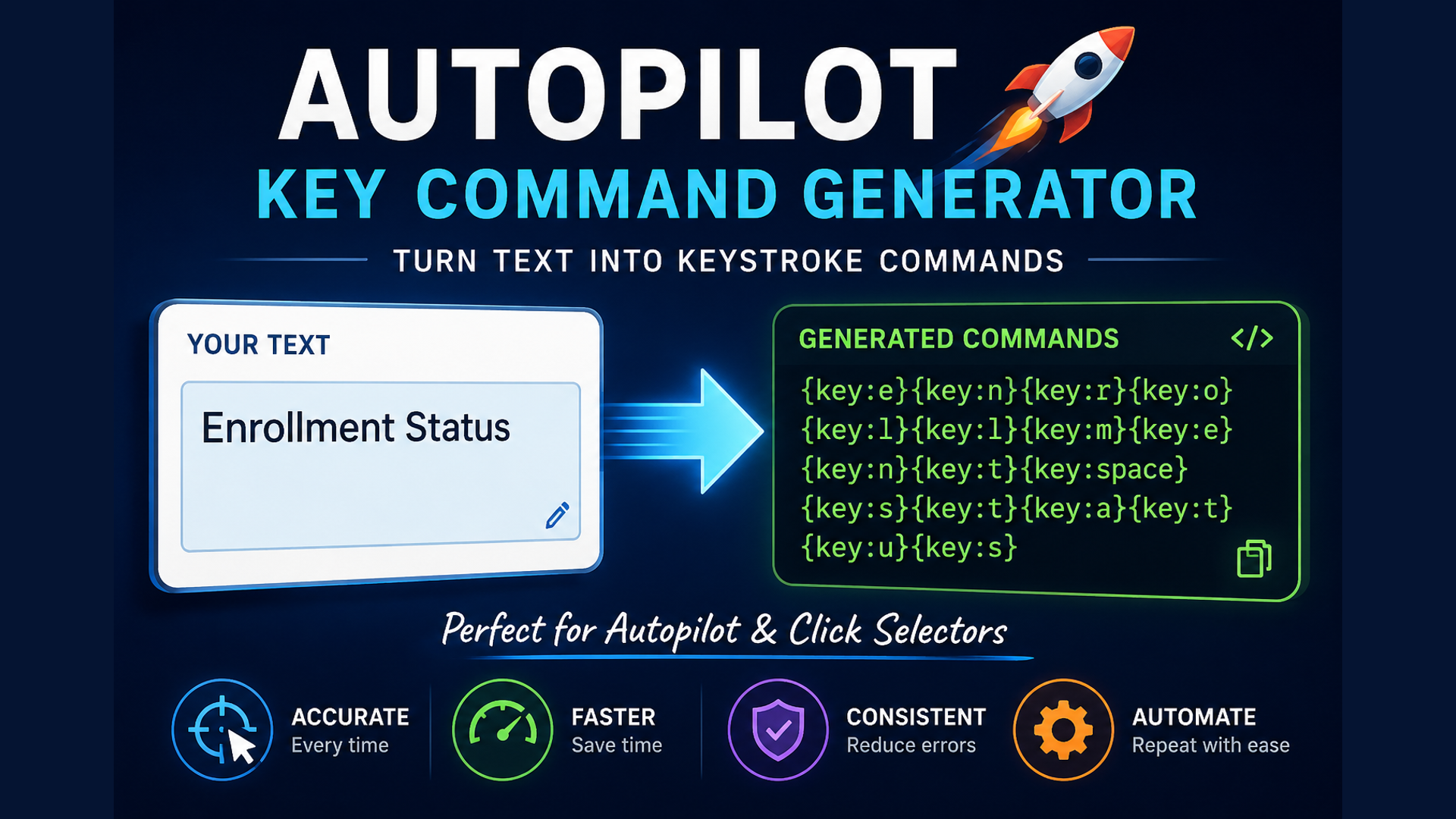
This snippet converts user‑entered text into a sequence of Text Blaze keyboard simulation commands ({key:x}). It forces all characters to lowercase and replaces spaces with {key:space}, making it ideal for automation workflows that need to emulate real typing instead of inserting text directly.
Deeper Dive:
Many workflows require users to manually type values or select items from dropdown menus. This can introduce inconsistencies, typos, and wasted time - especially in high‑volume processes. The Autopilot Key Command Generator solves this by converting plain text into keystroke commands that Autopilot can use to type into search fields, navigate menus, and select the correct option quickly and consistently.
This is especially useful in systems like Salesforce, where advisors often choose statuses, dispositions, campaigns, queues, or other predefined values. Instead of manually searching each time, the snippet generates the keystrokes needed to locate and select the value automatically. This improves accuracy, reduces user error, and speeds up repetitive tasks.
The same approach works across many platforms, including:
Common use cases include:
By generating keystroke sequences automatically, this snippet removes the need to manually build long strings of {key:} actions, making automation easier to create, maintain, and scale.
This snippet converts user‑entered text into a sequence of Text Blaze keyboard simulation commands ({key:x}). It forces all characters to lowercase and replaces spaces with {key:space}, making it ideal for automation workflows that need to emulate real typing instead of inserting text directly.
Deeper Dive:
Many workflows require users to manually type values or select items from dropdown menus. This can introduce inconsistencies, typos, and wasted time - especially in high‑volume processes. The Autopilot Key Command Generator solves this by converting plain text into keystroke commands that Autopilot can use to type into search fields, navigate menus, and select the correct option quickly and consistently.
This is especially useful in systems like Salesforce, where advisors often choose statuses, dispositions, campaigns, queues, or other predefined values. Instead of manually searching each time, the snippet generates the keystrokes needed to locate and select the value automatically. This improves accuracy, reduces user error, and speeds up repetitive tasks.
The same approach works across many platforms, including:
- CRM platforms
- Student information systems
- Help desk and ticketing systems
- ERP and operations platforms
- Legacy applications
- Internal business tools and custom web apps
Common use cases include:
- Selecting predefined values from searchable dropdown menus
- Automating repetitive data‑entry tasks
- Standardizing user inputs across teams
- Reducing errors caused by manual typing
- Improving reliability when direct text insertion isn’t available
By generating keystroke sequences automatically, this snippet removes the need to manually build long strings of {key:} actions, making automation easier to create, maintain, and scale.