Late Rent Notice & Rent Reminder Templates

Blaze Team
About this snippets template
What's inside
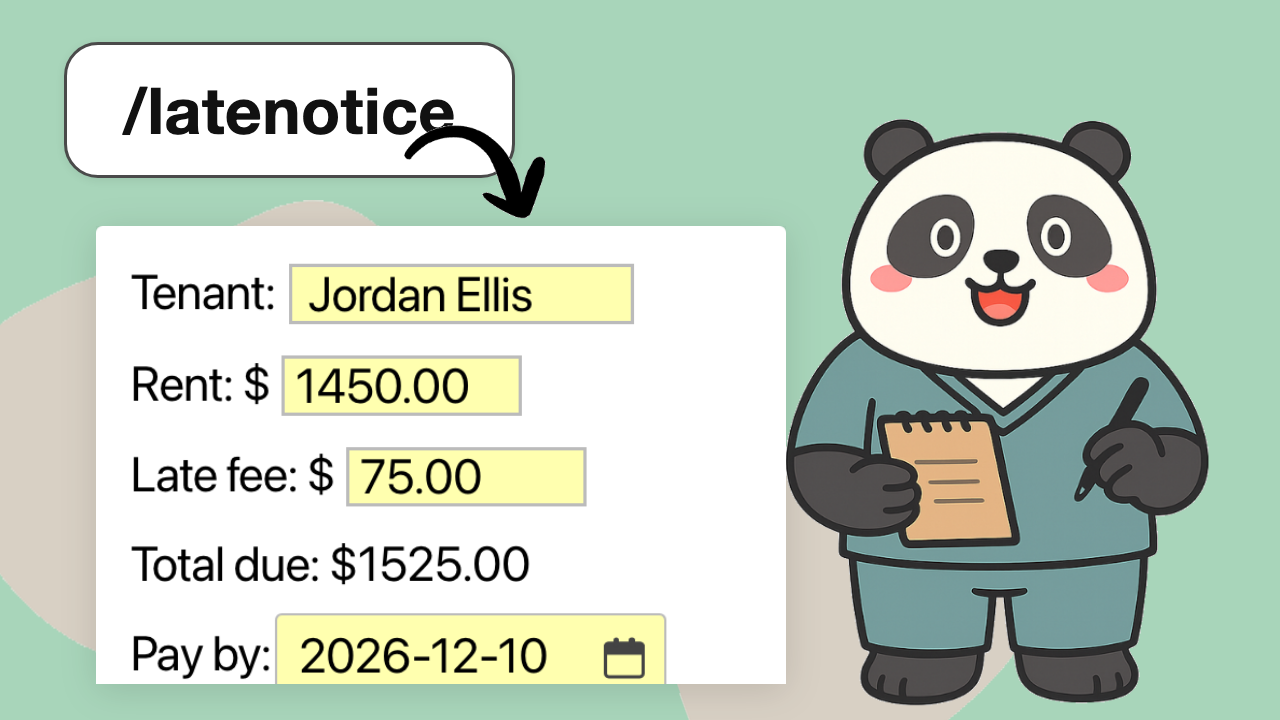
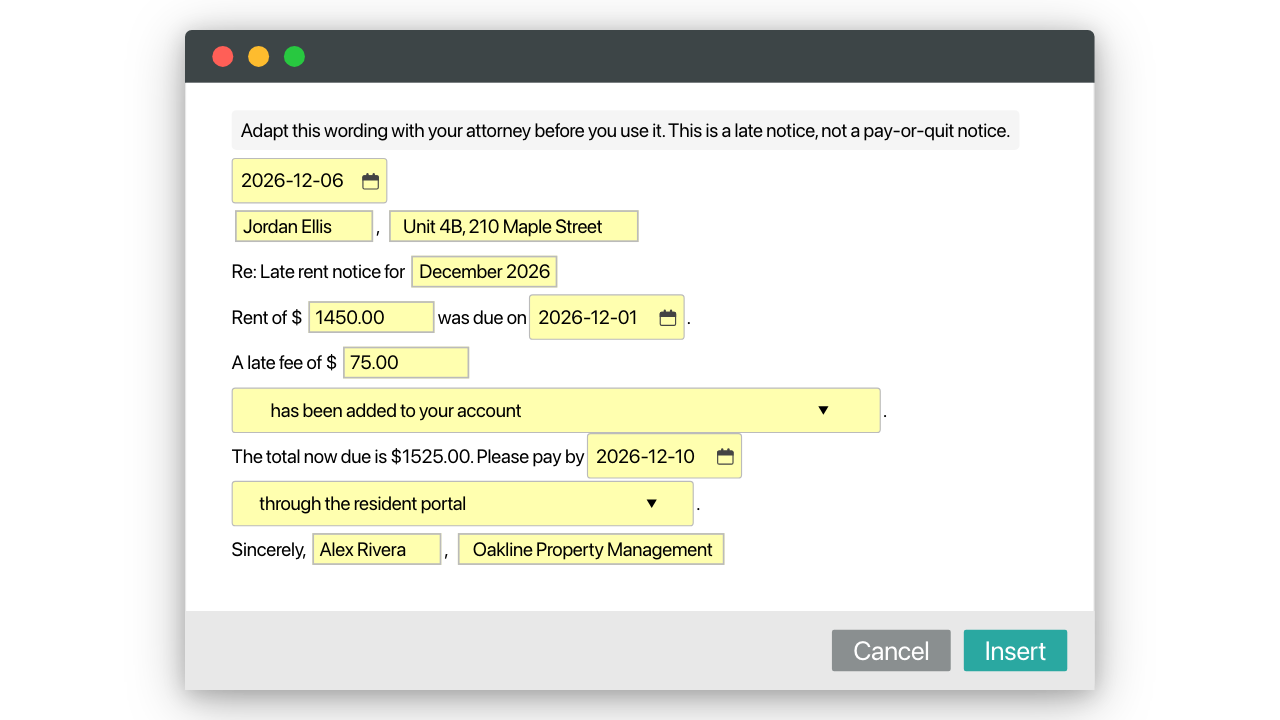
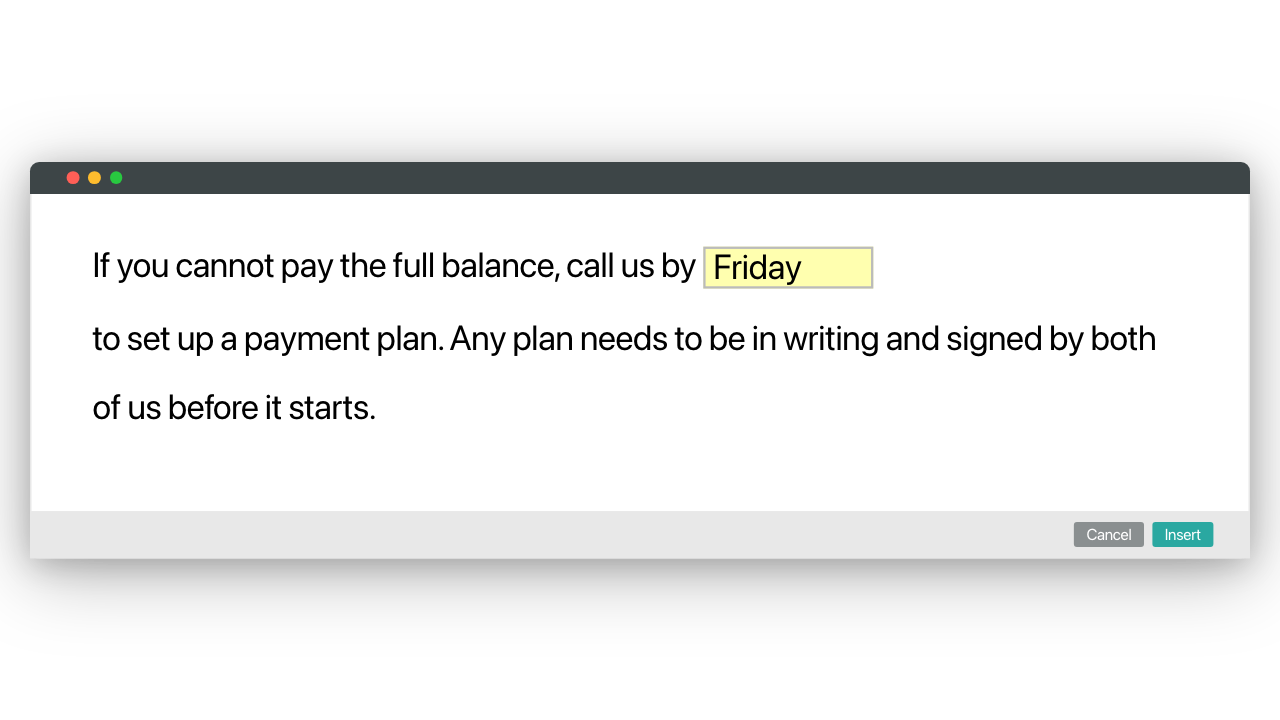
- The notice letter (/latenotice): the tenant, unit, rent, due date and late fee in text boxes, a drop-down menu for whether the fee is already on the account, the pay-by date and how to pay. The total works itself out.
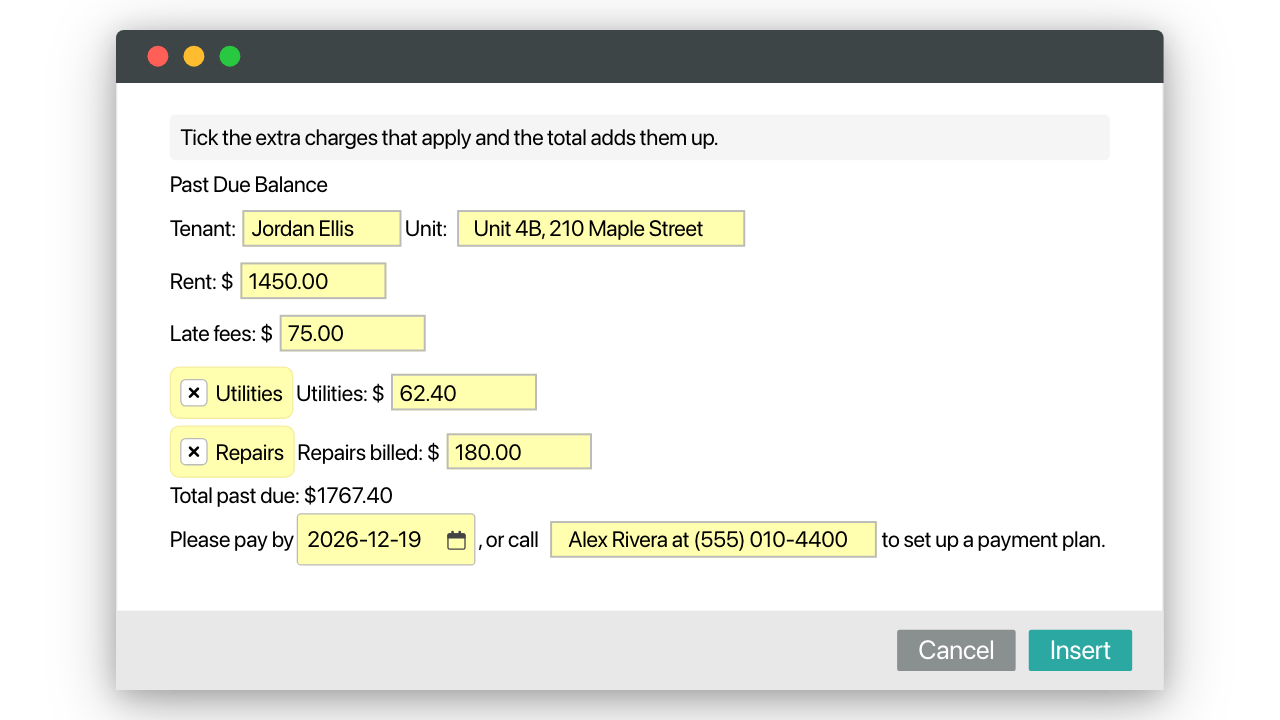
- Past due rent letter (/pastdue): rent and late fees, plus utilities or repairs billed if you tick them, with the total added up for you.
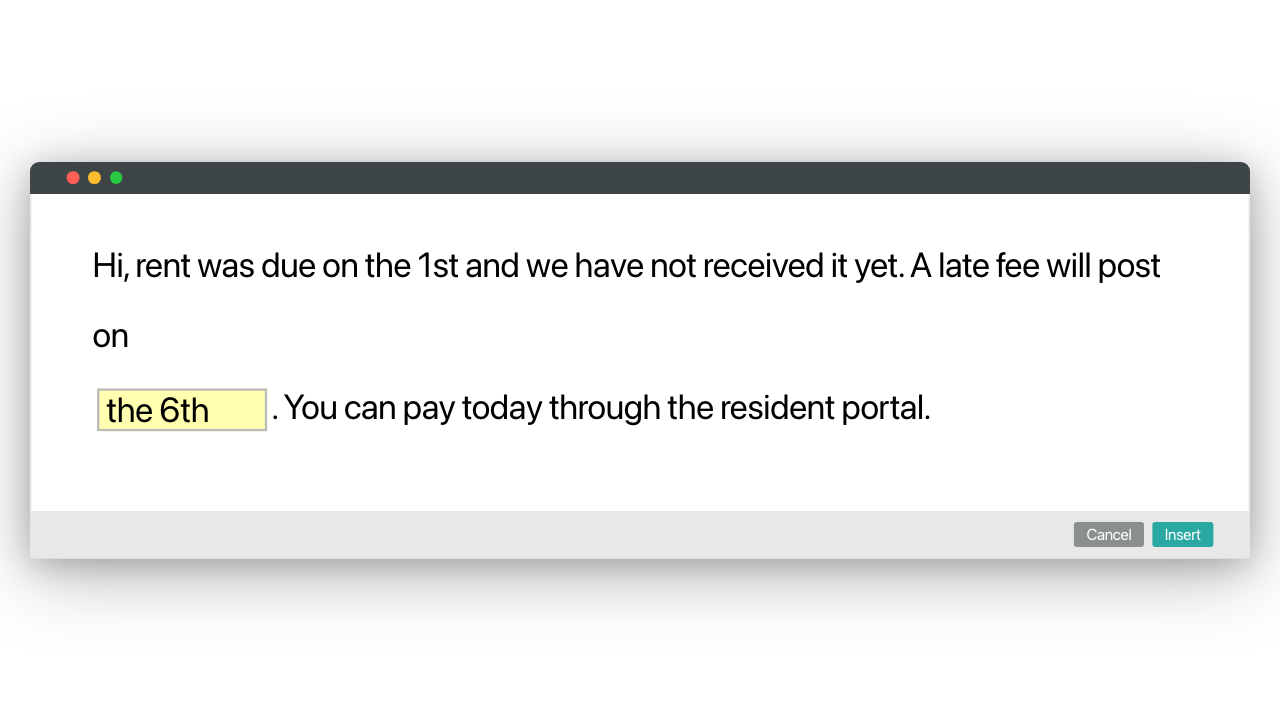
- A friendly reminder the day before rent is late (/rentrem) and a rent-is-late-today text with the date the fee posts.
- Shorter snippets for commonly typed lines: the late fee charged, a returned payment (NSF), the balance due, how to pay, a payment plan offer and the thank-you once rent is paid.
How the late rent notice works
- Add the free pack to your Text Blaze account.
- Type the shortcut (like /latenotice) in the email or message to the tenant.
- Fill in the tenant, the amounts and the dates, and insert.
- Change the stand-in company name, phone and payment details once to make them yours.
Late notices and notice periods differ by state and by lease, so adapt the letter's wording with your attorney first, then send it the same way every time. Each late notice for rent takes seconds instead of minutes. Start with /rentrem the day before rent is late, then save one sentence you send every month as your own snippet, with /rentrem as your model.
Other templates by Blaze Team
Property Management Starter Kit
Blaze Team
Free
Free property management templates you can insert anywhere with a keyboard shortcut: 15 short emails and texts for maintenance, rent, showings, lease renewals and owners. Fill in a name, unit or date with text boxes, so each message takes seconds, not minutes.
Rent Increase, Lease Renewal & Non-Renewal Letters
Blaze Team
Free
A free rent increase letter you can insert anywhere with a keyboard shortcut, plus a lease renewal offer, a non renewal lease letter and the short reminders around them. Fill in the rent, dates and terms with text boxes, so each letter takes minutes in renewal season.
SLP & OT Starter Kit
Blaze Team
Free
14 free speech therapy templates you can insert anywhere with a keyboard shortcut: the short sentences SLPs and OTs type all day, from the Subjective opener to KT tape, group therapy and no-show notes. Fill in a skill or a time as each one inserts, so notes take seconds.